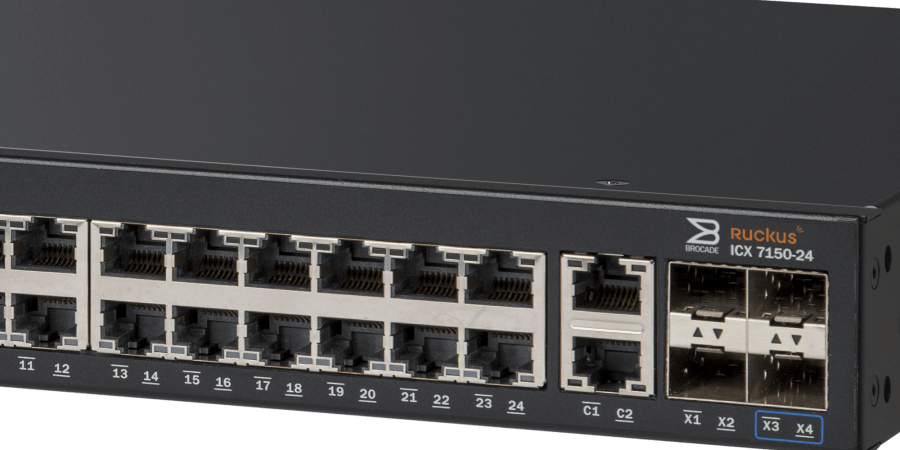

Ruckus ICX switches support port aggregation, suitable configuration commands include:
ICX7150-24 Switch#configure terminal
ICX7150-24 Switch(config)#lag esimene dynamic id 1
ICX7150-24 Switch(config-lag-esimene)#ports ethernet 1/1/1 to 1/1/2
ICX7150-24 Switch(config-lag-esimene)#exit
ICX7150-24 Switch# write memory
show configuration:
lag esimene dynamic id 1
ports ethe 1/1/1 to 1/1/2
show interface brief:
Port Link State Dupl Speed Trunk Tag Pvid Pri MAC Name
1/1/1 Down None None None 1 No 1 0 xxx
1/1/2 Down None None None 1 No 1 0 xxx
....
lg1 Down None None None 1 No 1 0 xxx
When connecting two ICX switches via aggregated ports, it is recommended to set the lag port's speed of both devices to be the same, otherwise a loss of speed may occur.
If a vlan needs to be enabled on a connected port:
ICX7150-24 Switch(config)#vlan 111
ICX7150-24 Switch(config-vlan-111)#tagged lag 1
ICX7150-24 Switch(config)#vlan 112
ICX7150-24 Switch(config-vlan-112)#untagged lag 1
ICX7150-24 Switch(config-vlan-112)# exit